Building Intelligent Agents in .NET: The Microsoft Agent Framework
Introduction
Welcome to the third part of our series exploring the building blocks for AI in .NET. In the first article, we examined Microsoft Extensions for AI (MEAI) and how it standardizes communication with large language models. The second part focused on Microsoft.Extensions.VectorData, enabling semantic search and retrieval-augmented generation (RAG) patterns within .NET applications. Now, we turn to the final piece: the Microsoft Agent Framework.
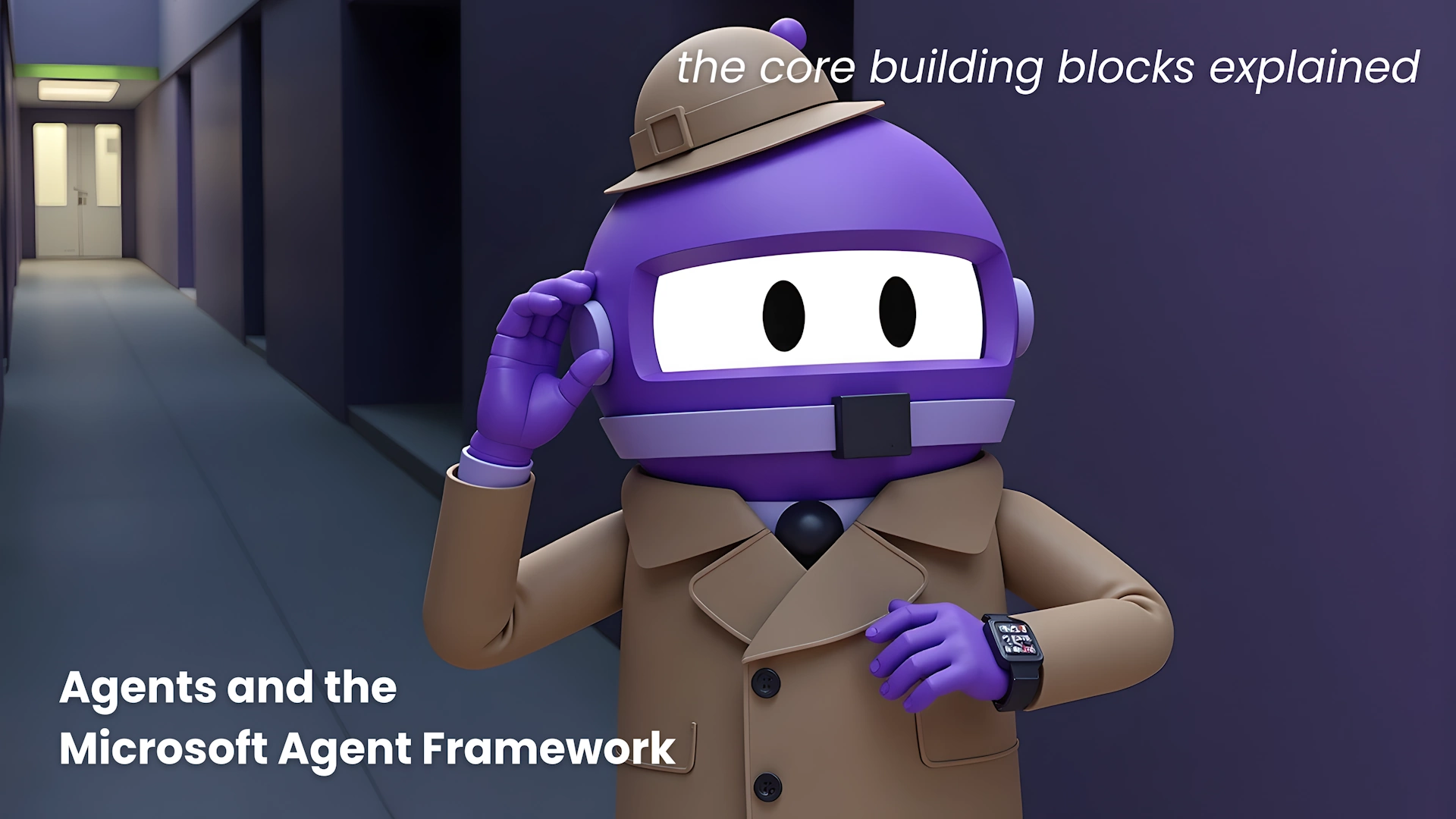
Up to this point, we've laid the groundwork—MEAI for universal model access and VectorData for knowledge storage and retrieval. But what if you want an AI that doesn't just answer questions but actively does things? Imagine an agent that uses tools, remembers context across conversations, and coordinates with other agents to solve complex problems. That's exactly what the Agent Framework delivers.
What Makes an AI Agent Different?
A simple chatbot takes input, sends it to a model, and returns output. An AI agent, in contrast, has autonomy. It reasons about a task, decides which tools to use, invokes those tools, evaluates results, and determines the next step—all without requiring explicit step-by-step instructions for every scenario.
Think of it this way: if using MEAI is like chatting with a colleague, an agent is like handing that colleague a to-do list and letting them figure out how to get it done. They might search for information, run calculations, check the weather, query a database, or use any tool you've made available.
Introducing the Microsoft Agent Framework
The Microsoft Agent Framework is a production-ready SDK for building intelligent agents in .NET (and Python, though we'll focus on C# here). It reached its 1.0 release in April 2026 and supports everything from simple single-agent scenarios to complex multi-agent workflows with graph-based orchestration.
Built directly on top of IChatClient from MEAI, the framework feels familiar to anyone who has used the previous building blocks. It provides a unified way to define agent behavior, manage conversation history, and integrate with external tools.
Creating Your First Agent with C#
Let's get hands-on. Start by creating a console application and installing the agent framework package:
dotnet add package Microsoft.Agents.AIHere's a minimal example that creates an agent capable of telling jokes (inspired by the original sample, 01_hello_agent):
using Azure.AI.OpenAI;
using Azure.Identity;
using Microsoft.Agents.AI;

var endpoint = Environment.GetEnvironmentVariable("AZURE_OPENAI_ENDPOINT")
    ?? throw new InvalidOperationException("AZURE_OPENAI_ENDPOINT is not set.");
var deploymentName = Environment.GetEnvironmentVariable("AZURE_OPENAI_DEPLOYMENT_NAME")
    ?? "gpt-5.4-mini";

AIAgent agent = new AzureOpenAIClient(
    new Uri(endpoint),
    new DefaultAzureCredential())
    .GetChatClient(deploymentName)
    .AsAIAgent(
        instructions: "You are good at telling jokes.",
        name: "Joker");

Console.WriteLine(await agent.RunAsync("Tell me a joke about a pirate."));
Notice the .AsAIAgent() extension method—just as .AsIChatClient() bridges a provider's SDK to the MEAI abstraction, this method transforms a chat client into an agent with its own instructions and identity.

The agent uses the underlying model to reason about the request, but crucially, it can also decide to call tools, maintain context, and iterate if needed. In this simple case, it just tells a joke, but you can easily extend it with custom tools and conversation memory.
Next Steps: Tools and Memory
To make your agent truly useful, you can register tools (e.g., for API calls, database lookups, or file operations) and enable long-term memory. The framework provides built-in support for both, allowing agents to persist state across sessions and invoke external services dynamically.
Conclusion
The Microsoft Agent Framework completes the trio of AI building blocks for .NET. With MEAI providing model access, VectorData delivering knowledge retrieval, and the Agent Framework enabling autonomous action, developers can create sophisticated AI solutions that go far beyond simple chat. Whether you're building a single assistant or a multi-agent system, the framework offers a solid, production-tested foundation.
Stay tuned for more deep dives into orchestration patterns and real-world use cases. For now, try creating your own agent and see how it can transform your application's AI capabilities.
Related Articles
- A Universal Standard for Web Blocks: The Block Protocol Explained
- Mastering Intelligent Agents: Your Guide to the Microsoft Agent Framework in .NET
- The End of OPEC's Grip: How the Petroleum System's Decline is Unfolding
- Understanding the Controversy Behind Math's Final Axiom: A Step-by-Step Guide
- Building an AI Agent in .NET: A Step-by-Step Guide with the Microsoft Agent Framework
- AI Coding Agents with IDE-Native Search Tools Slash Task Times and Costs
- AAEF v0.6.0: A Structured Approach to Safe Agentic AI Adoption
- The Controversy Over Mathematics' Last Axiom: A Q&A Exploration